1
Newsletters
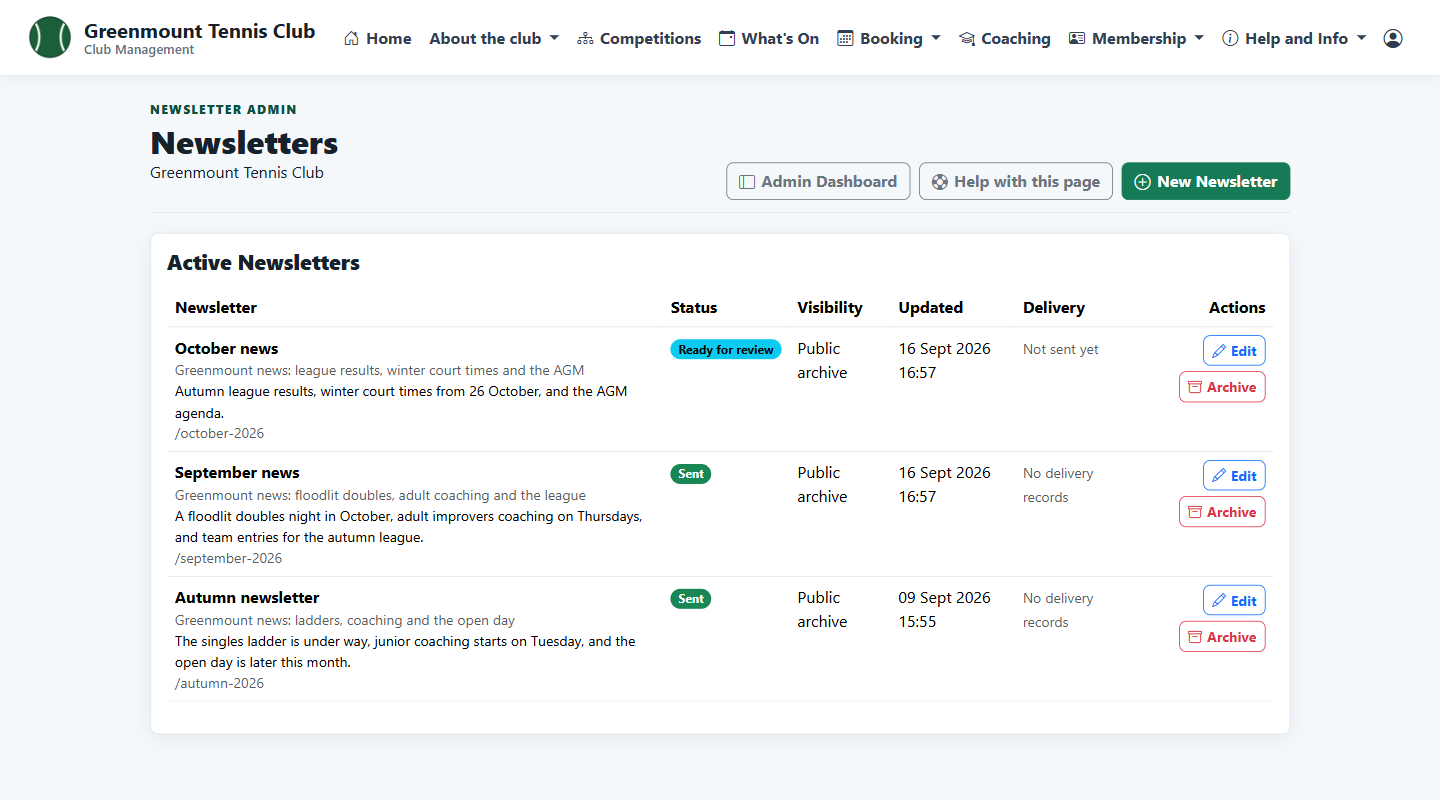
Each newsletter shows its status, whether it is in the public archive and, once sent, its delivery record.
Baseliners HQ Demo
Write newsletters and club emails once, send them to the right members, and keep a news archive on the club website.
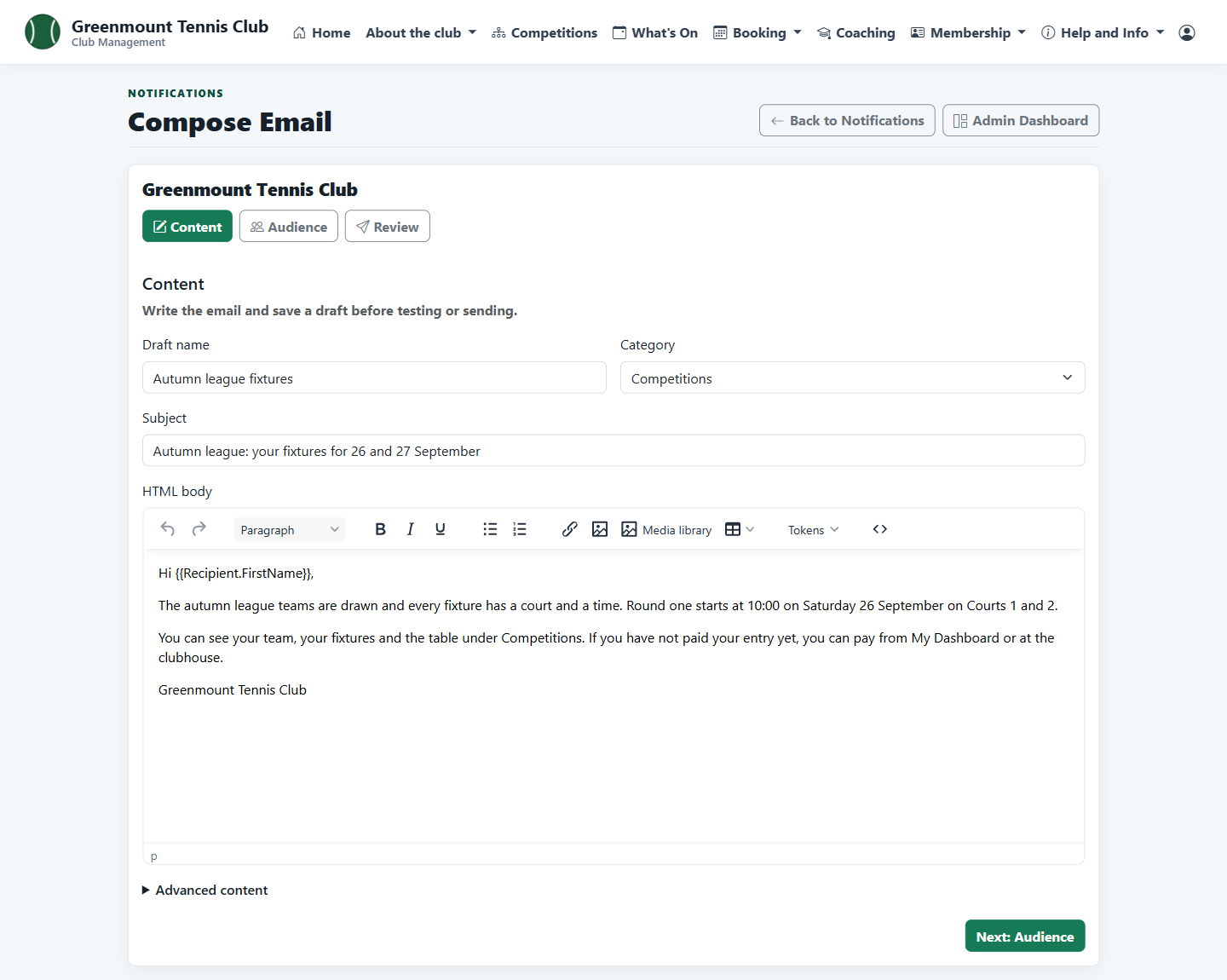
Newsletters and club emails are written in the same editor, with pictures from the club's media library. Admins choose who receives them by membership package or category, send a test, and then queue them.
These screens are from Greenmount Tennis Club, a demonstration club with four courts. Its members are invented.
Each newsletter shows its status, whether it is in the public archive and, once sent, its delivery record.
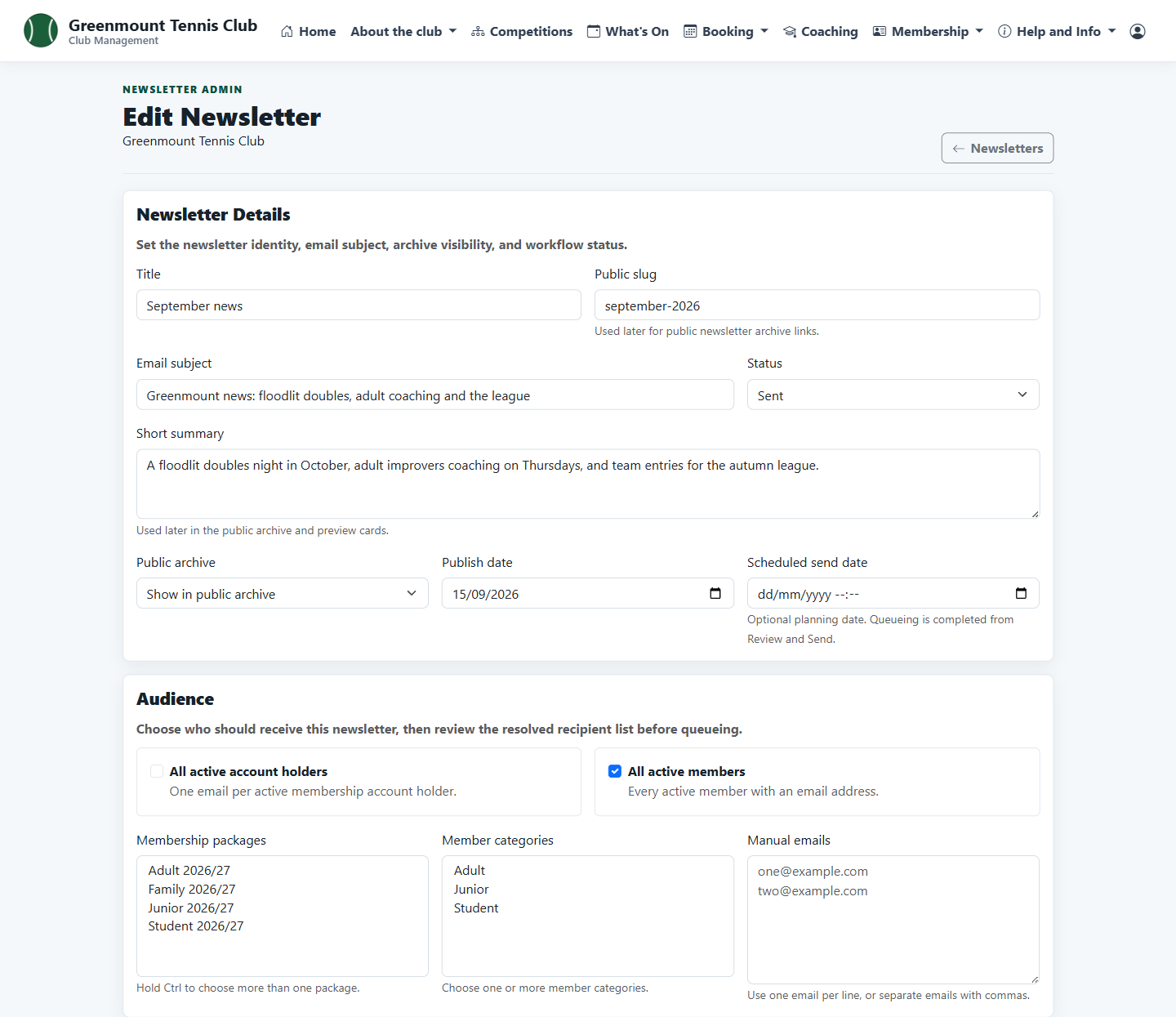
Set the subject, summary and publish date, choose the members who receive it, and write the content with pictures from the media library.
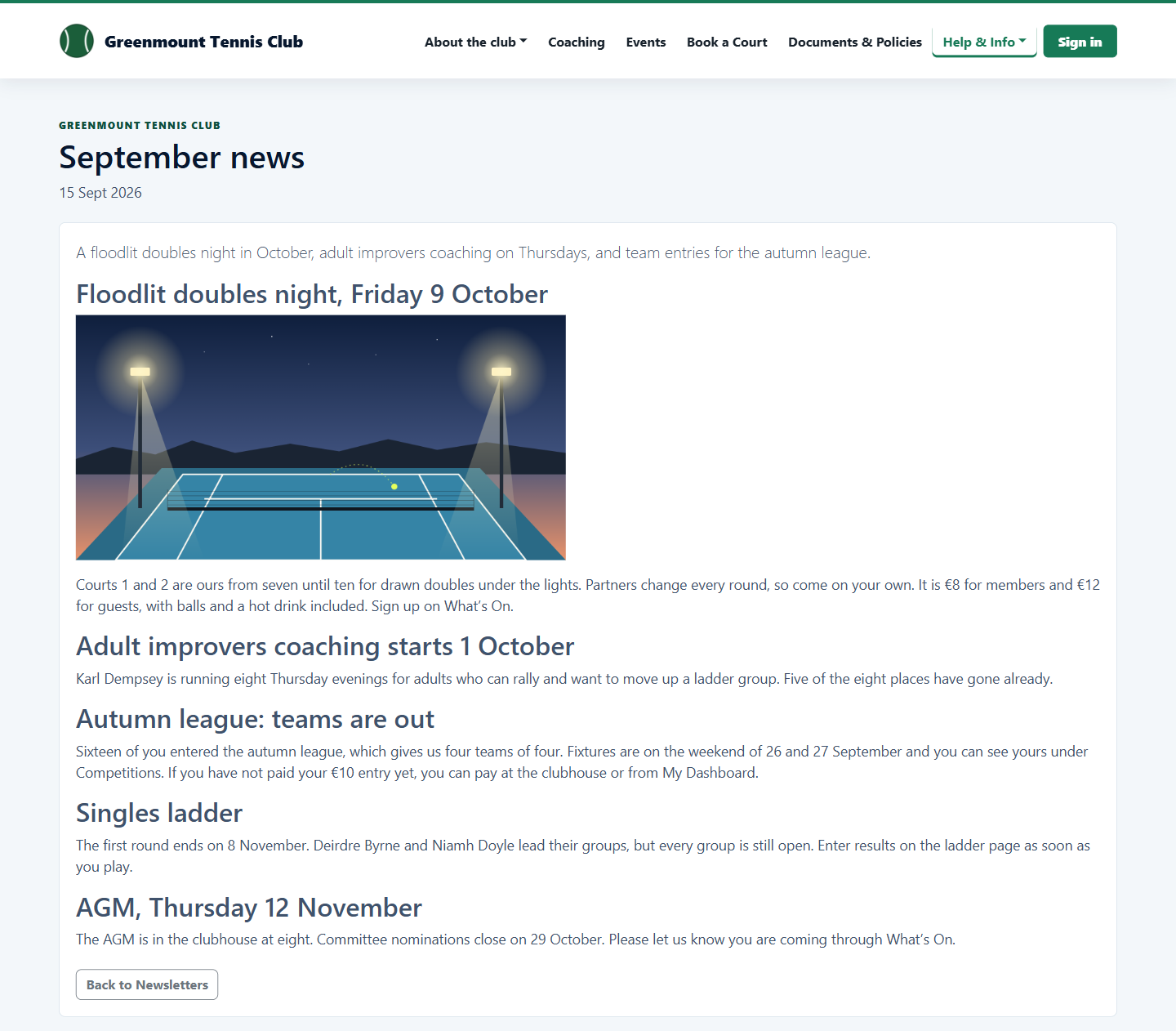
Newsletters marked public make up a news page on the club's website.
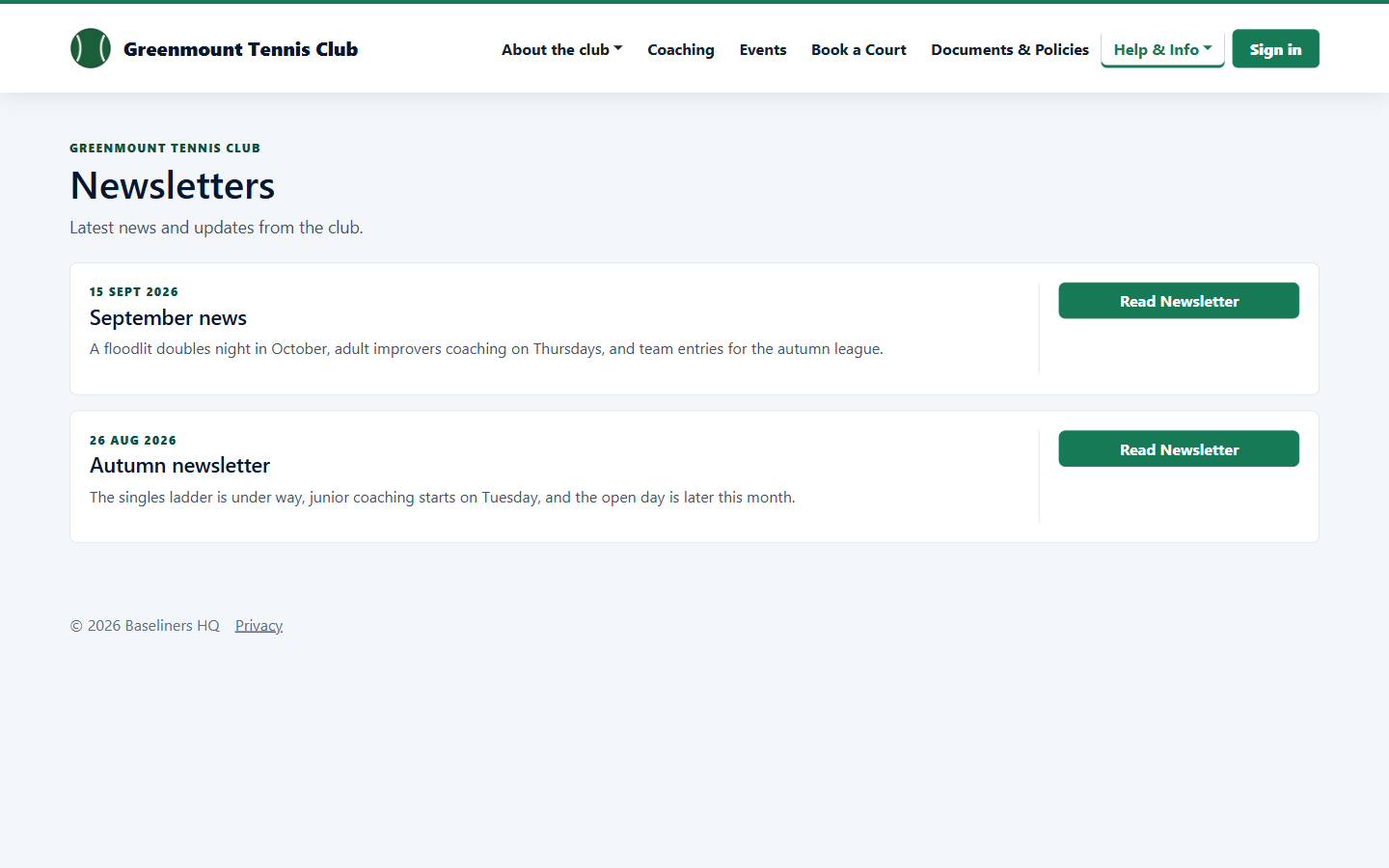
A newsletter keeps its pictures and headings on the website, so it can be linked to from anywhere.
The notifications area holds email drafts, saved audiences, templates, members' email preferences and a record of every email sent.
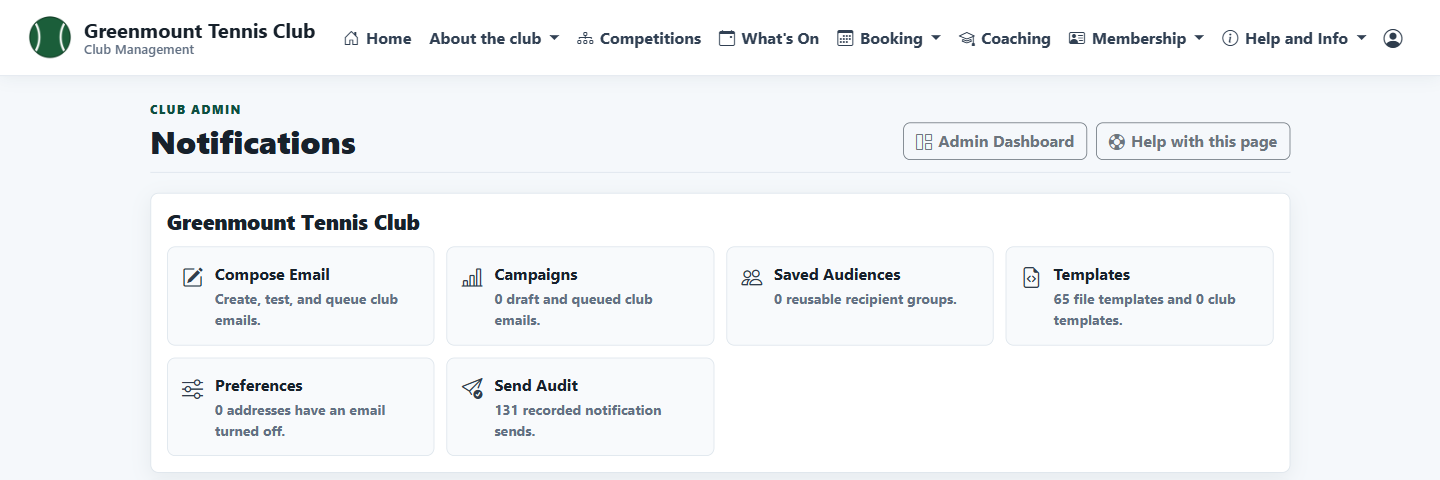
Write the email with each member's name filled in, choose the audience, send a test, then review and send.