See it working
Watch it do the jobs your club does.
Short visual walkthroughs of the workflows clubs ask about first — what your administrators see on the admin side, and what a member sees on the public side.
Product walkthroughs
Pick the part of running a club you want to see.
 Membership
Public, member and admin
Club website and online membership
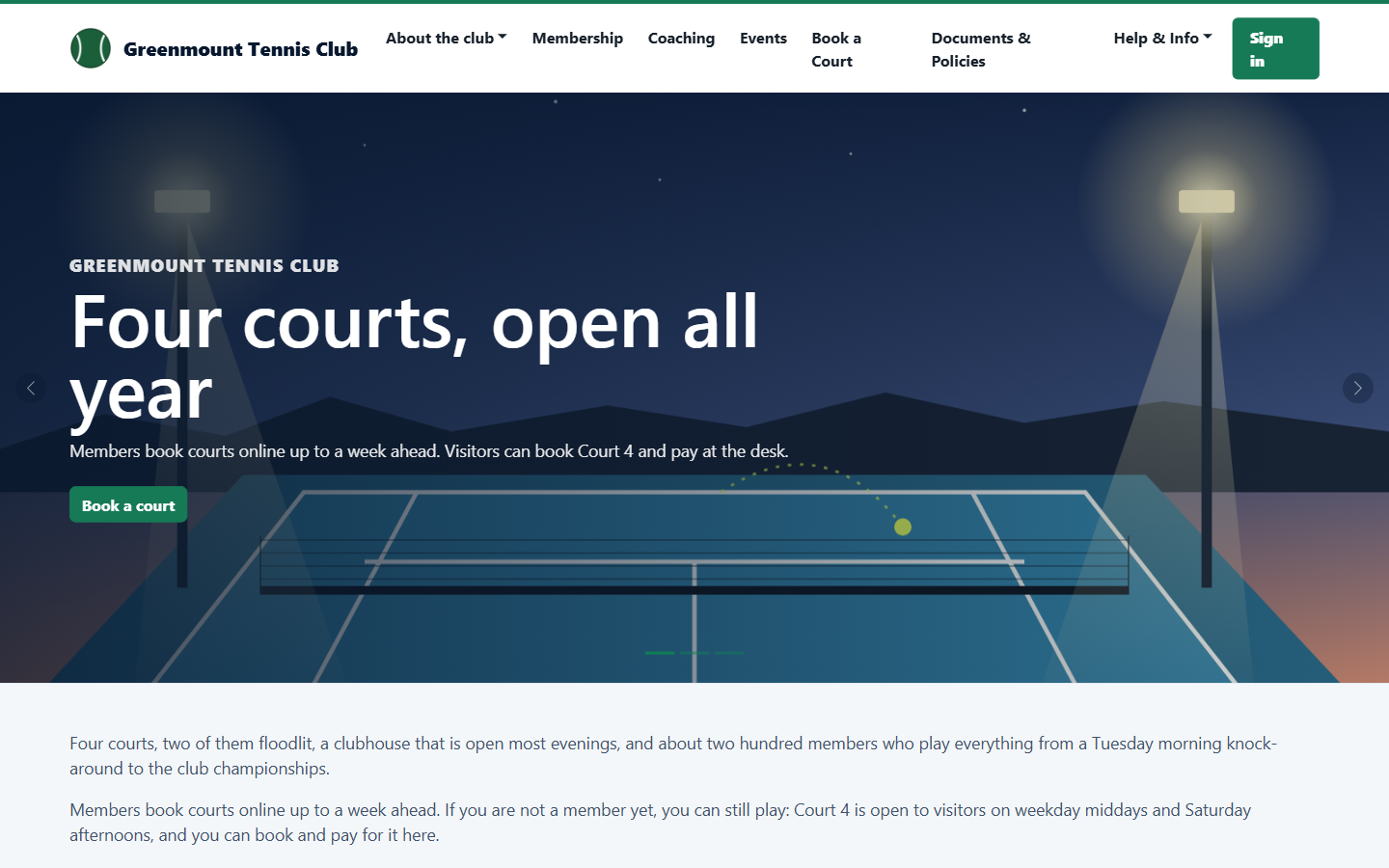
A club website that takes membership applications, and the screens the committee uses to review them.
Membership
Public, member and admin
Club website and online membership
A club website that takes membership applications, and the screens the committee uses to review them.
 Court booking
Member, public and admin
Court booking for members and visitors
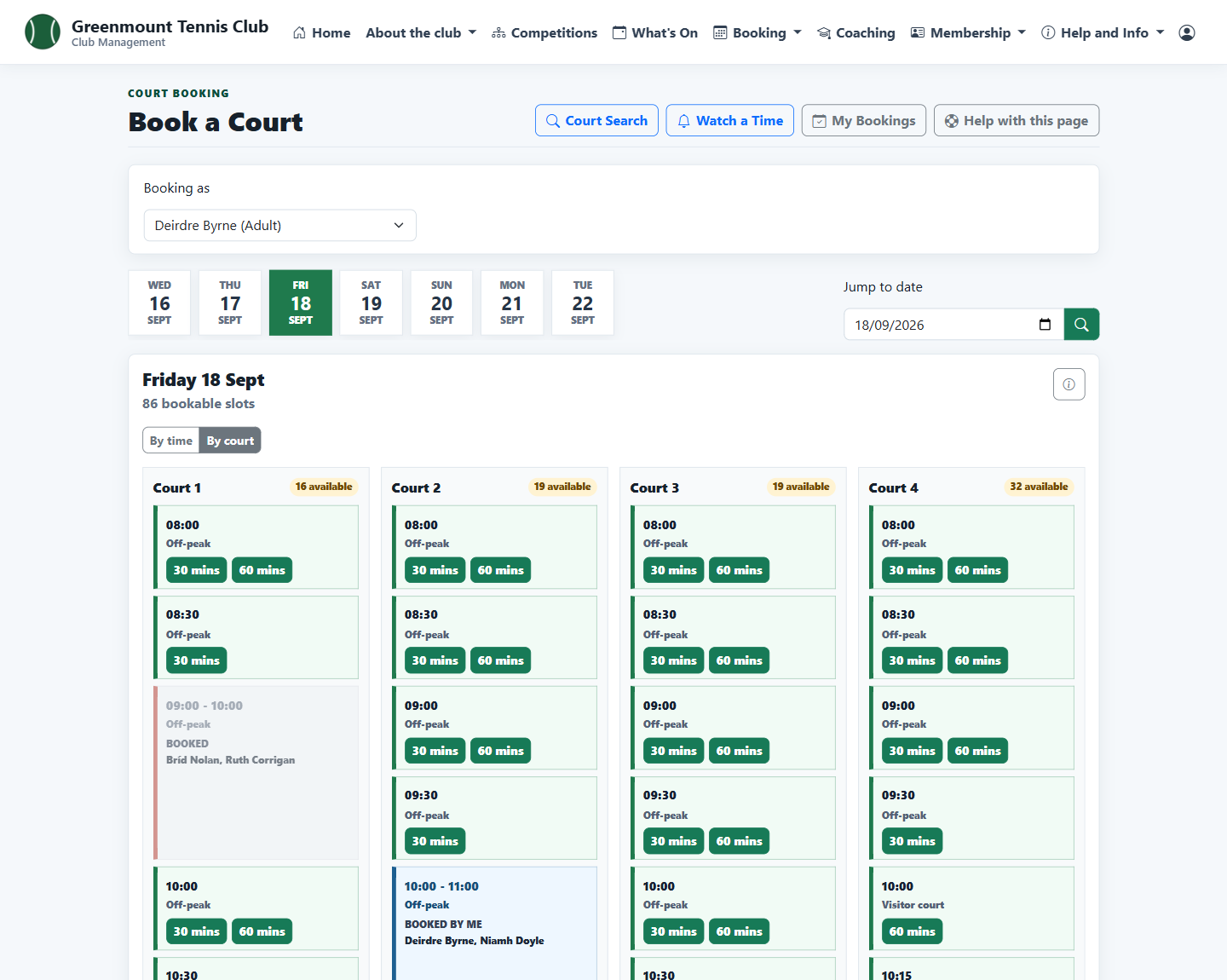
Members book courts a week ahead for themselves and their family. Visitors book the courts the club opens to them.
Court booking
Member, public and admin
Court booking for members and visitors
Members book courts a week ahead for themselves and their family. Visitors book the courts the club opens to them.
 Events
Admin, public and member
Events from notice to the night
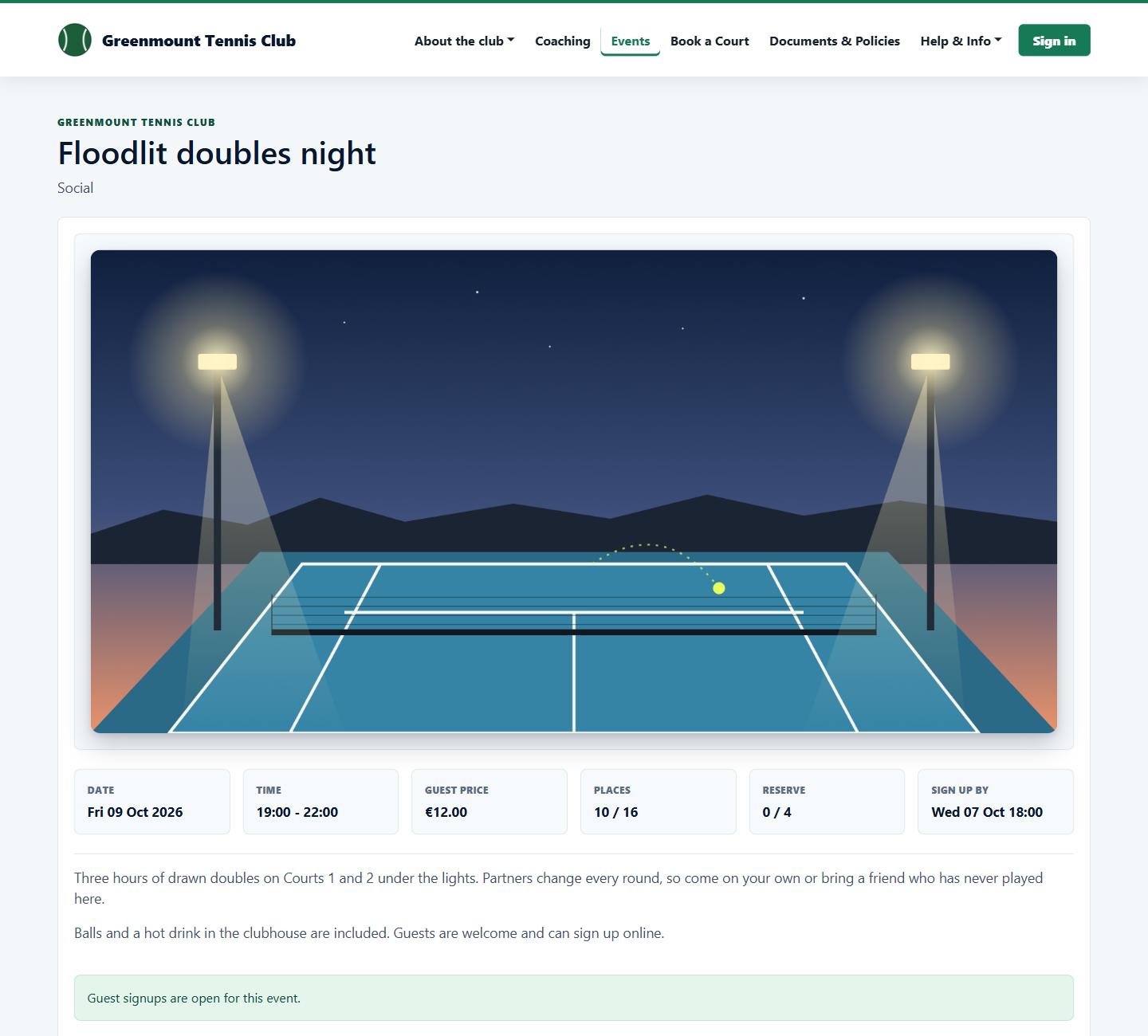
Publish an event, take signups from members and guests, and see who is coming and who has paid.
Events
Admin, public and member
Events from notice to the night
Publish an event, take signups from members and guests, and see who is coming and who has paid.
 Coaching
Public, coach and admin
Coaching courses from signup to register
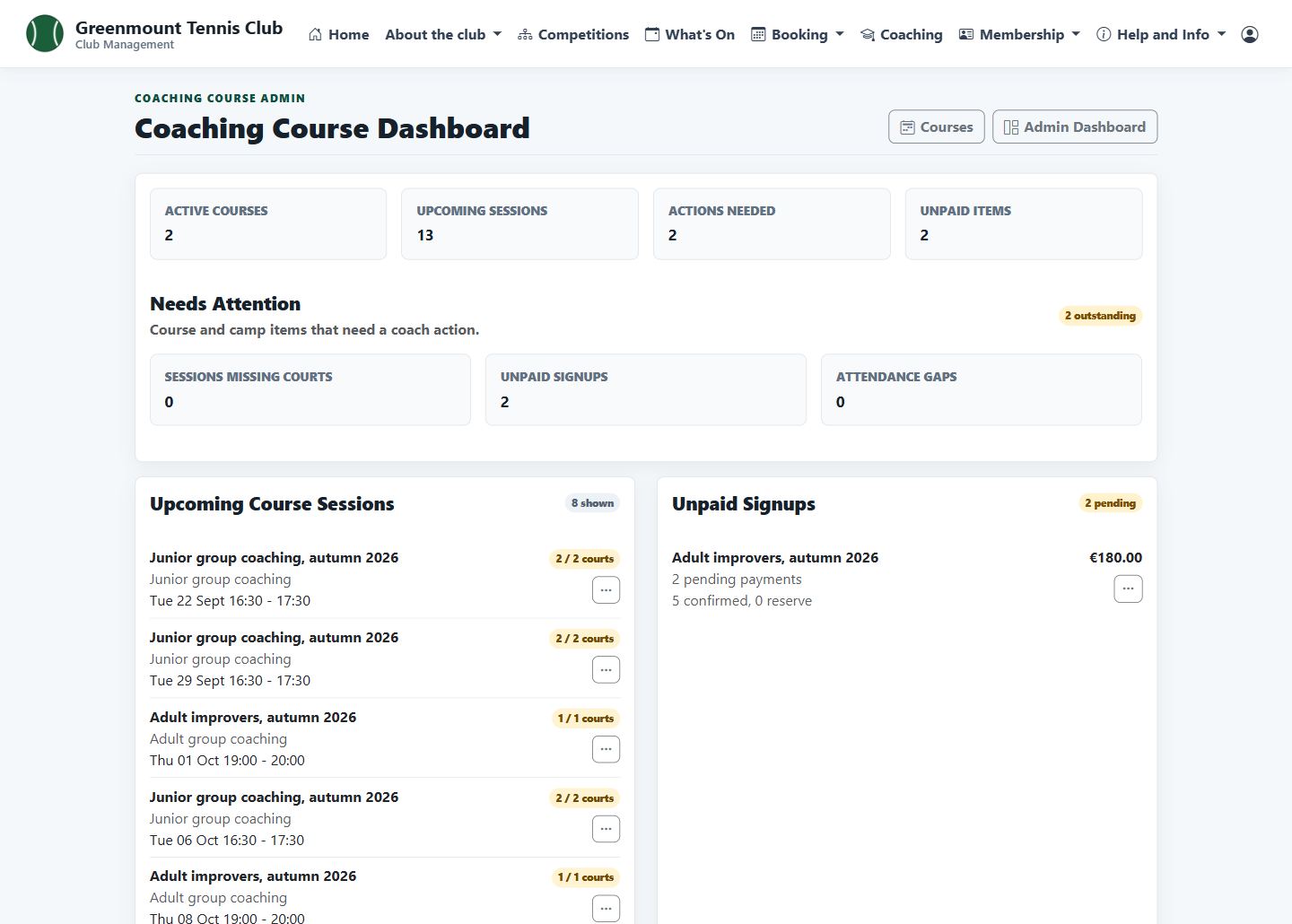
Publish group courses, take signups from members and visitors, and keep the coach's sessions, payments and registers in order.
Coaching
Public, coach and admin
Coaching courses from signup to register
Publish group courses, take signups from members and visitors, and keep the coach's sessions, payments and registers in order.
 Communications
Admin and public
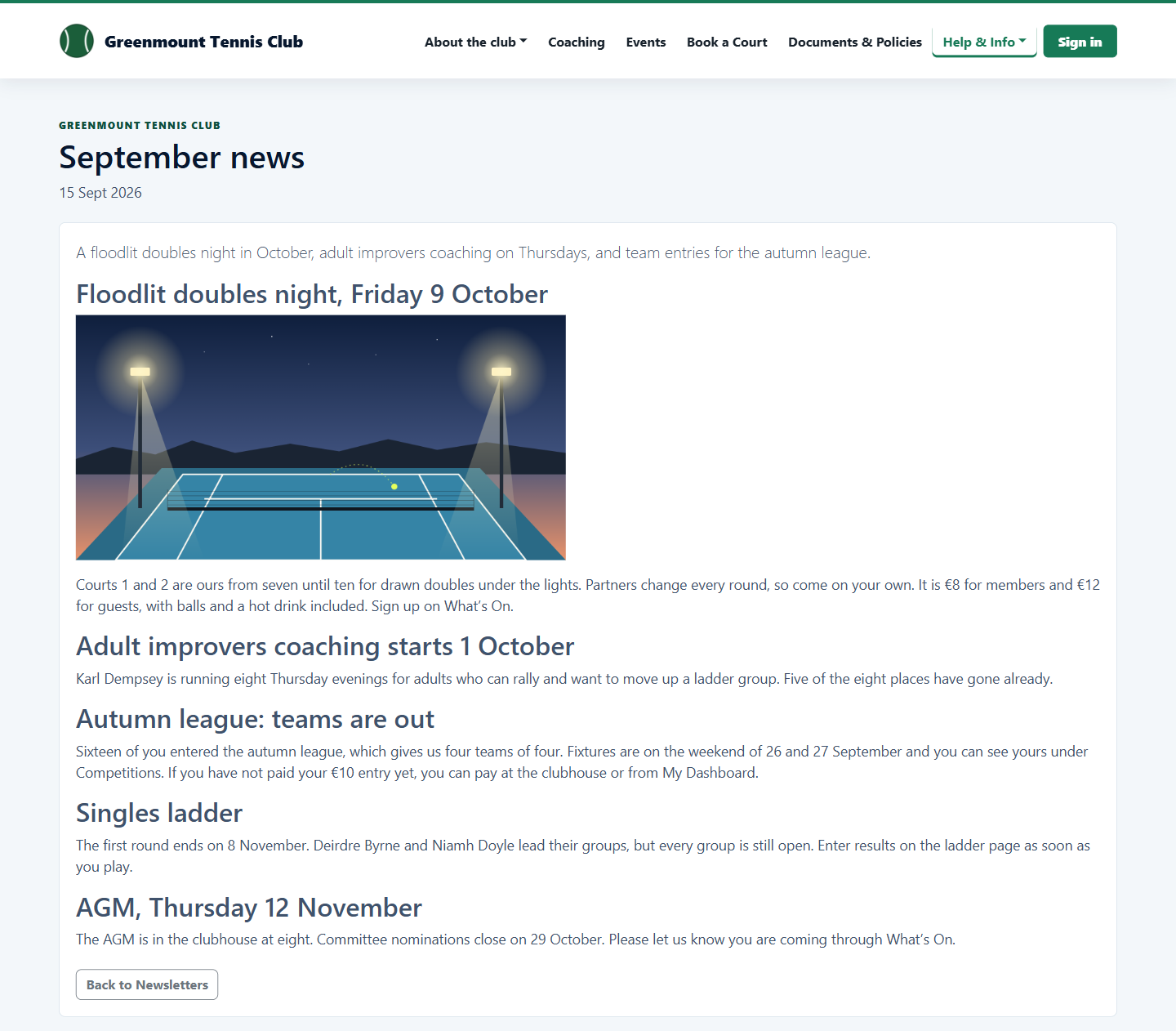
Newsletters and club email
Write newsletters and club emails once, send them to the right members, and keep a news archive on the club website.
Communications
Admin and public
Newsletters and club email
Write newsletters and club emails once, send them to the right members, and keep a news archive on the club website.
 Website
Admin and public
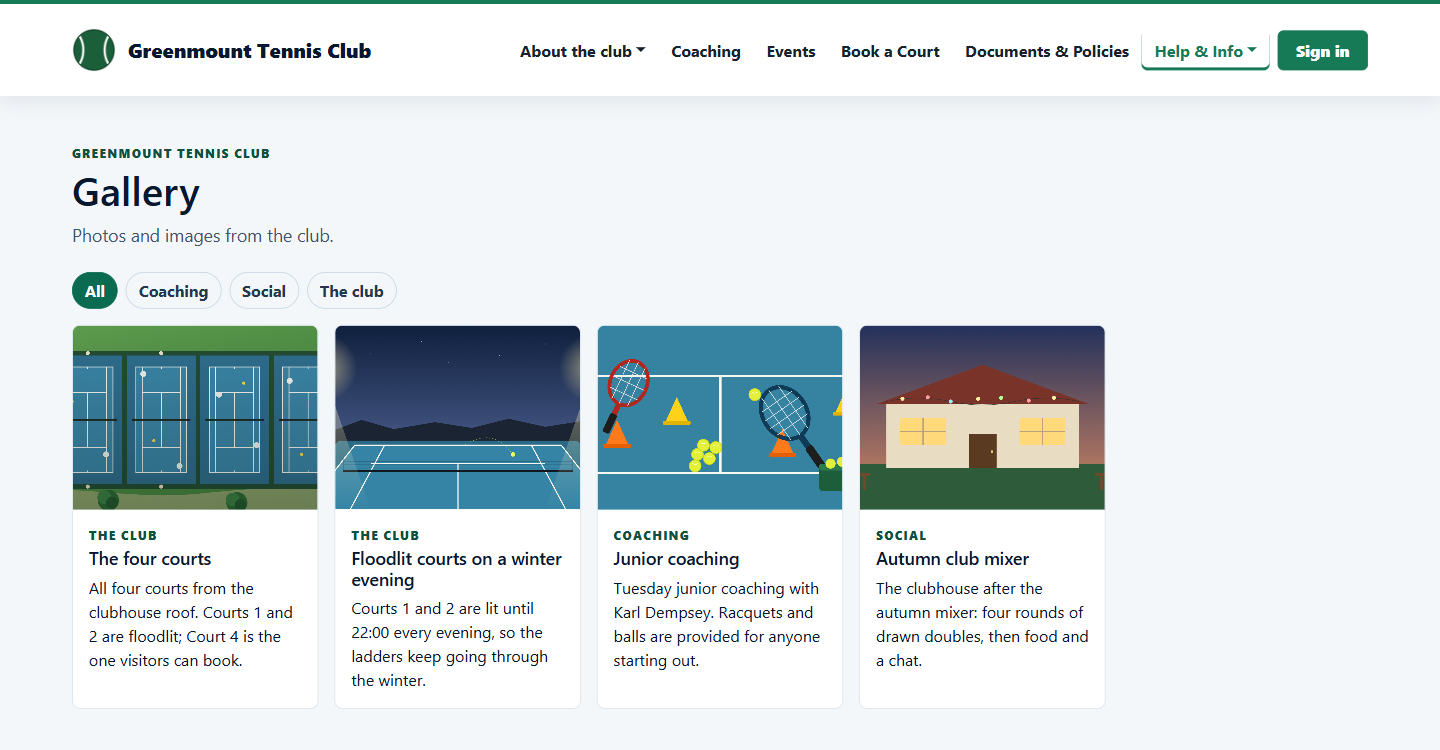
Club website, documents and sponsors
Keep the club website, policies and sponsors up to date without a web developer.
Website
Admin and public
Club website, documents and sponsors
Keep the club website, policies and sponsors up to date without a web developer.
 Competitions
Member and admin
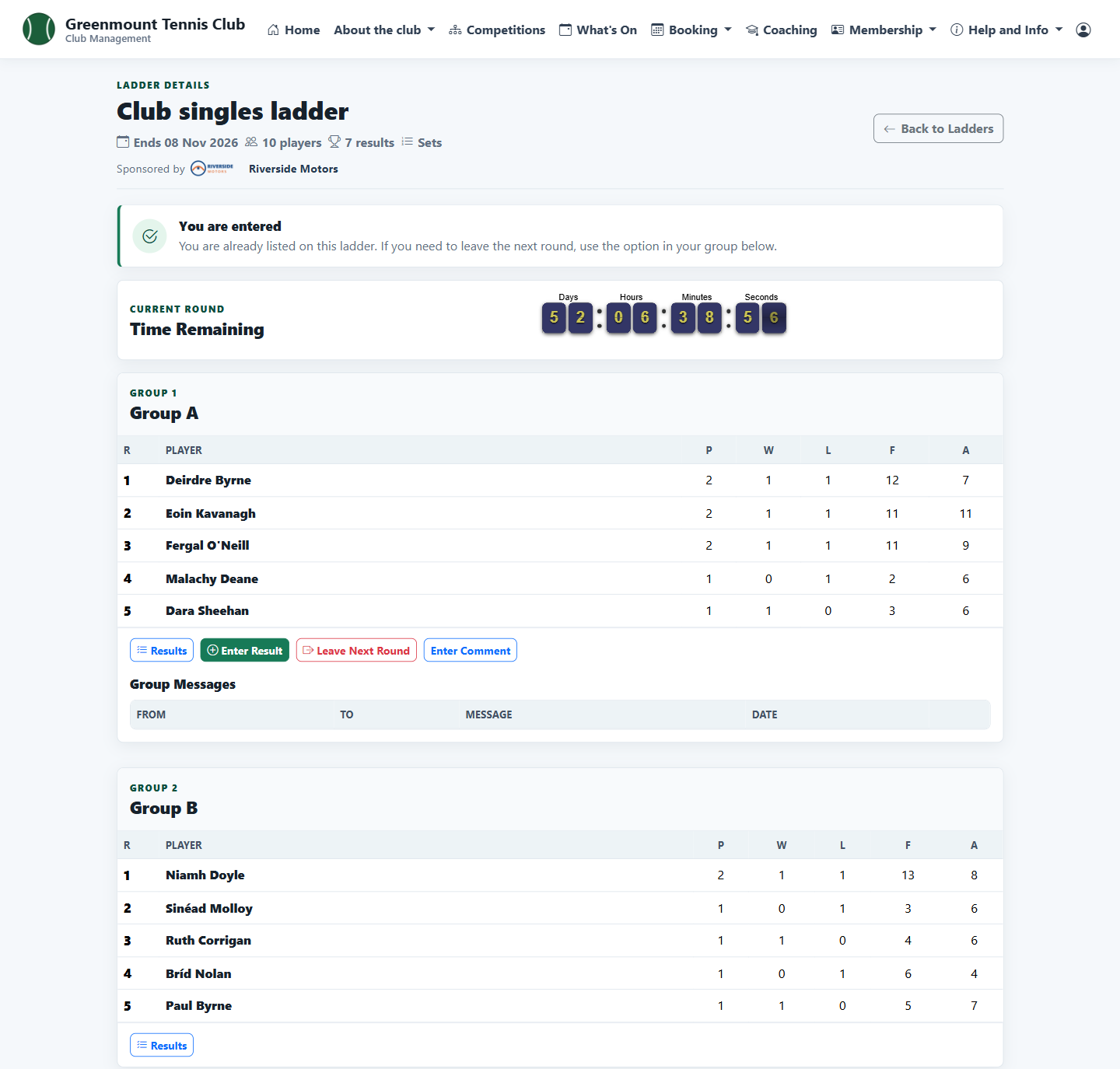
Ladders, leagues and round robins
Run box and challenge ladders, team leagues and social round robins, with results entered as they are played.
Competitions
Member and admin
Ladders, leagues and round robins
Run box and challenge ladders, team leagues and social round robins, with results entered as they are played.
 Members
Member
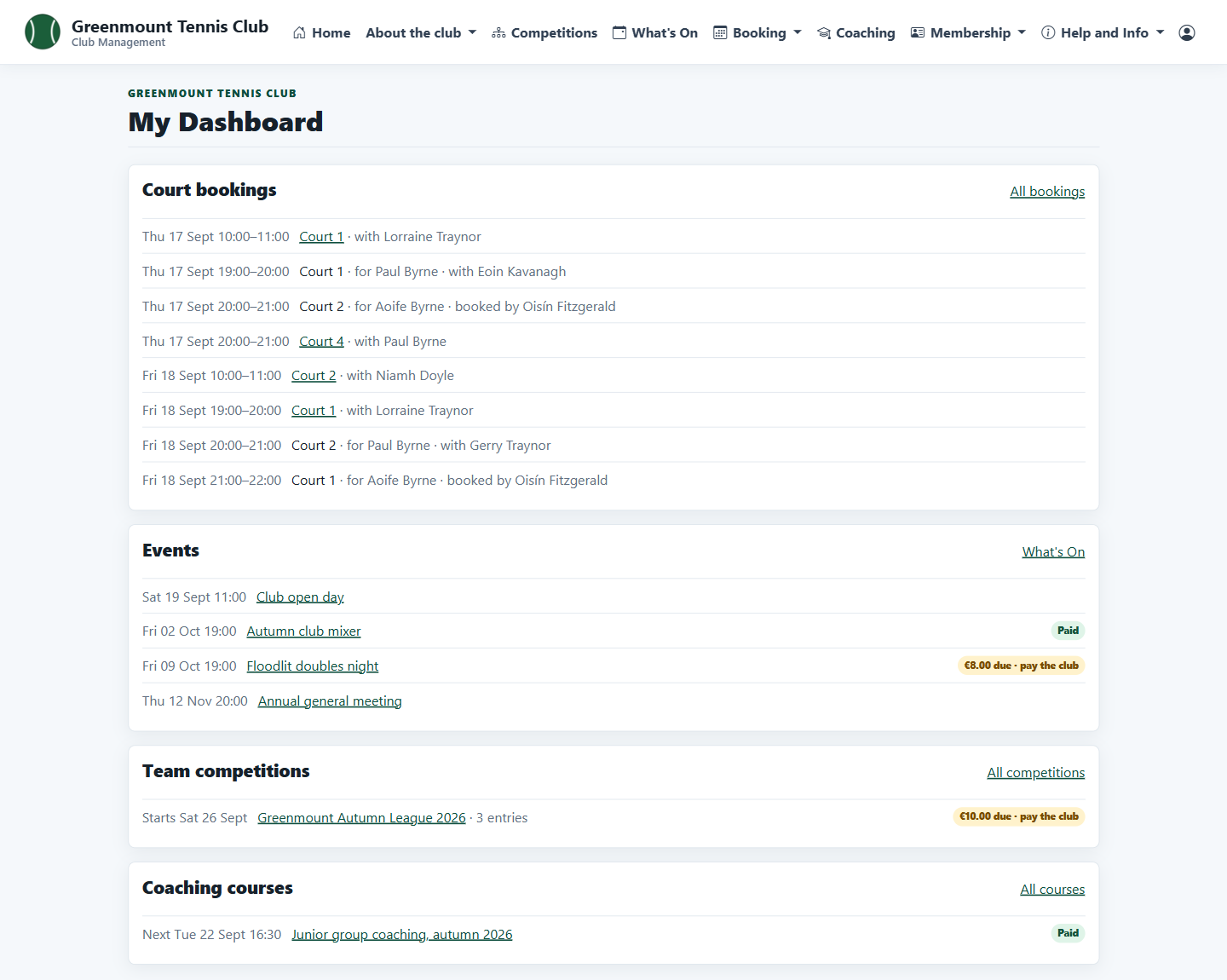
What members see
A home page and dashboard that show each member what is coming up, what they have booked and what they owe.
Members
Member
What members see
A home page and dashboard that show each member what is coming up, what they have booked and what they owe.
Next
Seen enough to ask what it costs?
Every paid package includes the same software. What changes is how many members it covers and how much email it carries.