Baseliners HQ Demo

Public club site and membership applications

Show a club landing page, membership options, online application and admin review.

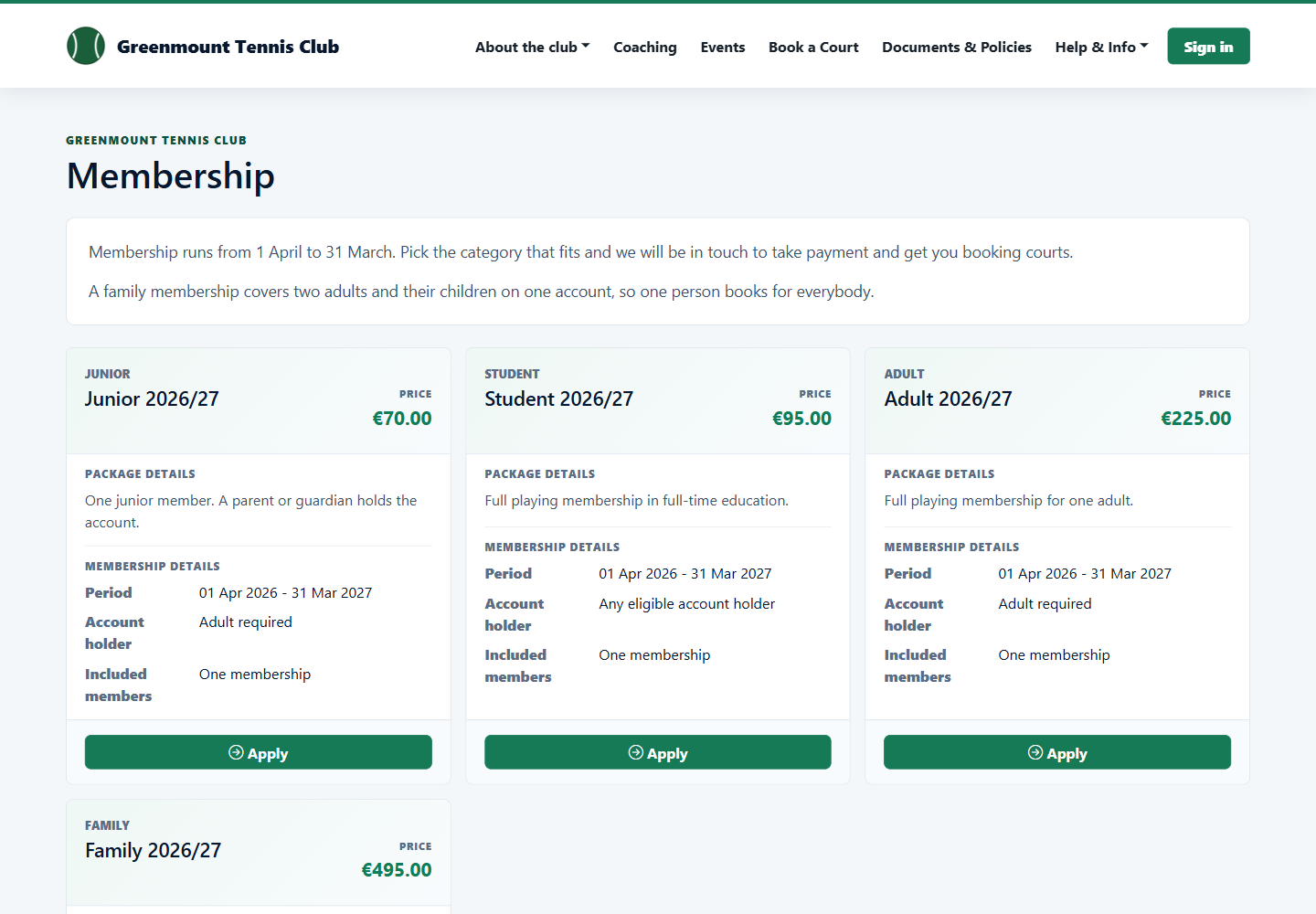
Public membership options in Baseliners HQ

Start with the public club site, let a prospective member choose a package, then show the application arriving in the membership admin workflow.

1

Configure the club site

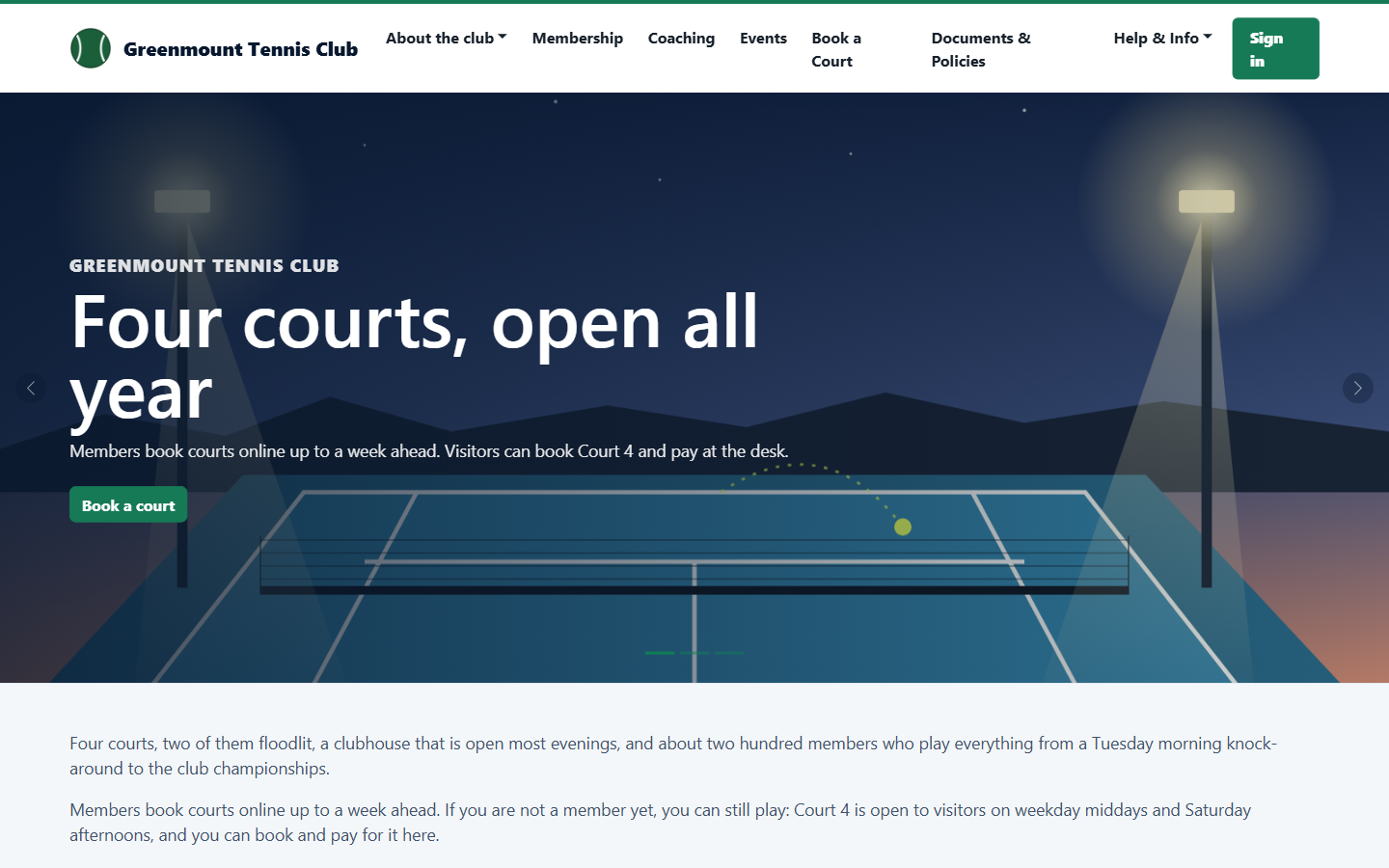
The club gets a public landing page with its own slug, headline, membership links and club-specific content.

Demo public club site
2

Publish membership packages

Admins maintain packages, prices and allowances, then publish the options that should appear to applicants.

Membership package administration
3

Apply online

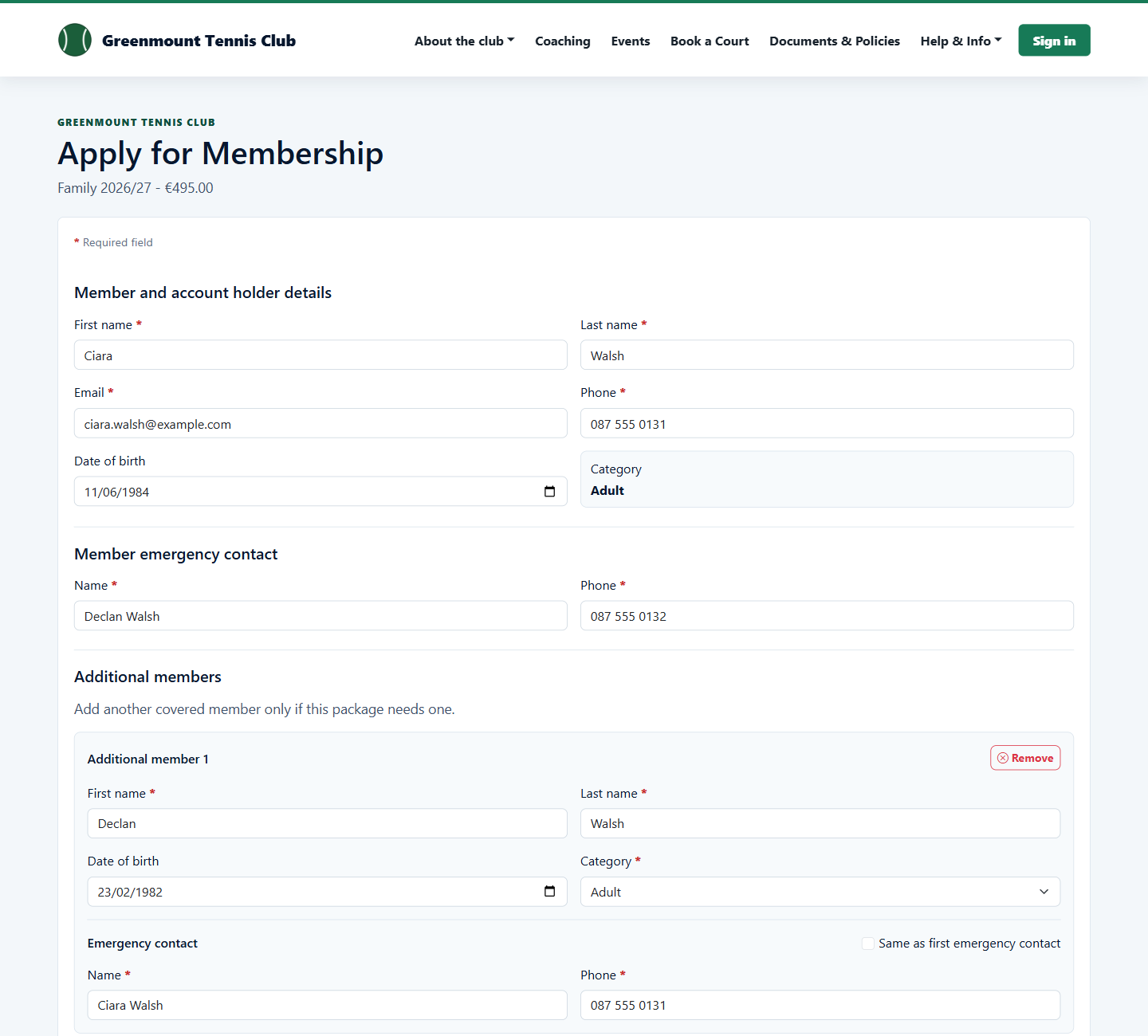
Applicants choose the package, complete the right form for that package, and submit without needing to be signed in first.

Public membership application form
4

Review applications

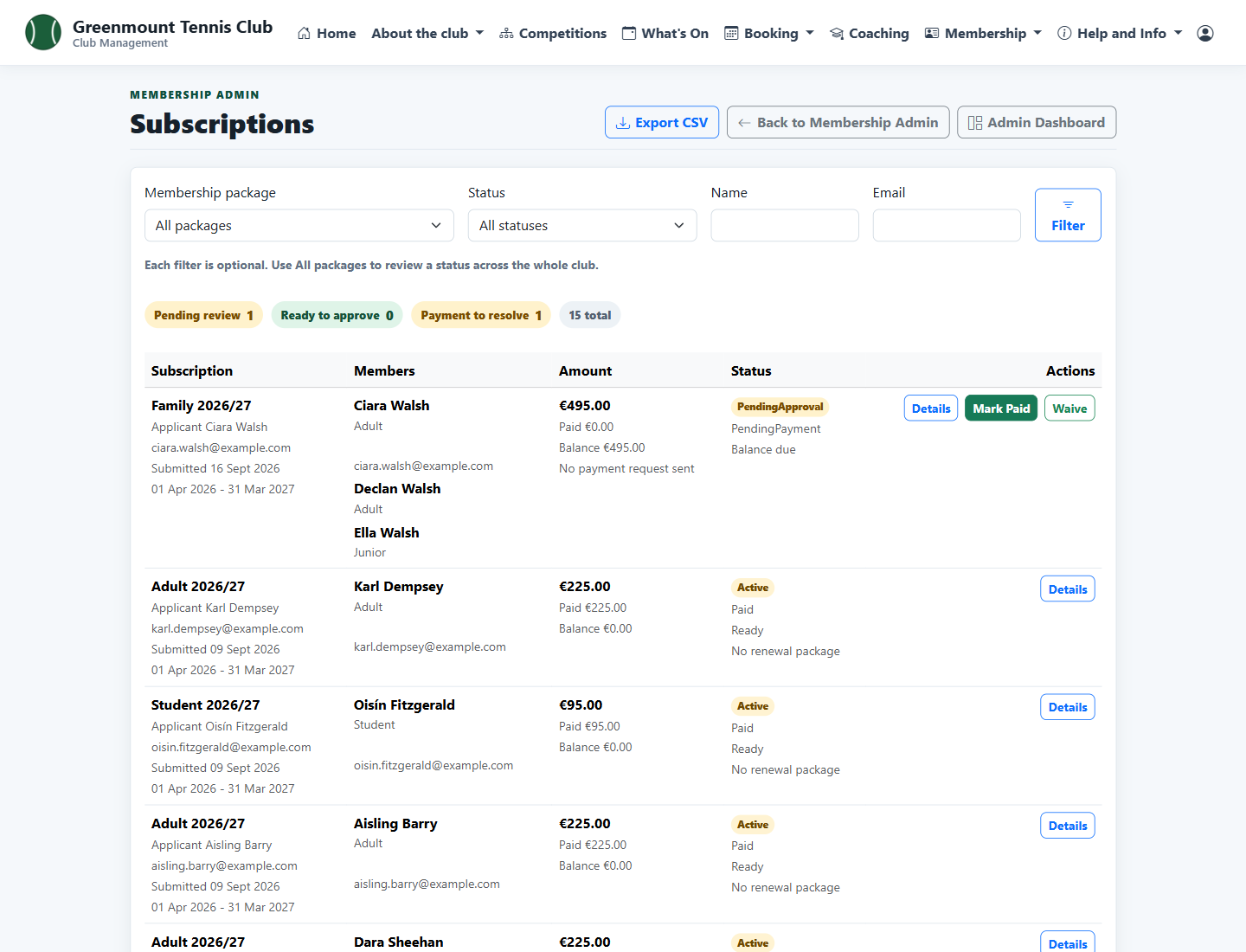
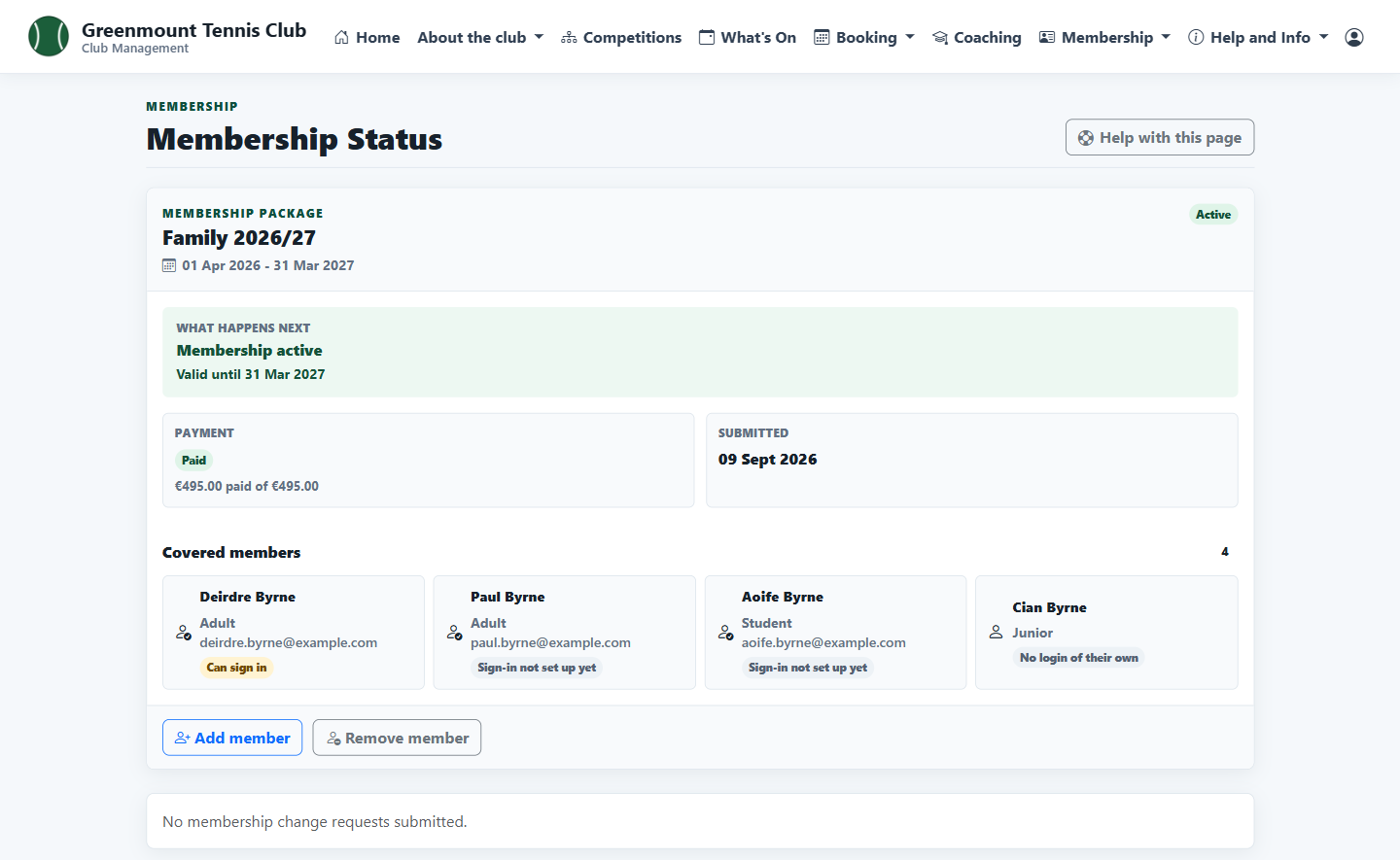
The club can review applications, payment state and next actions from membership administration.

Membership applications admin list