1
Home page slides
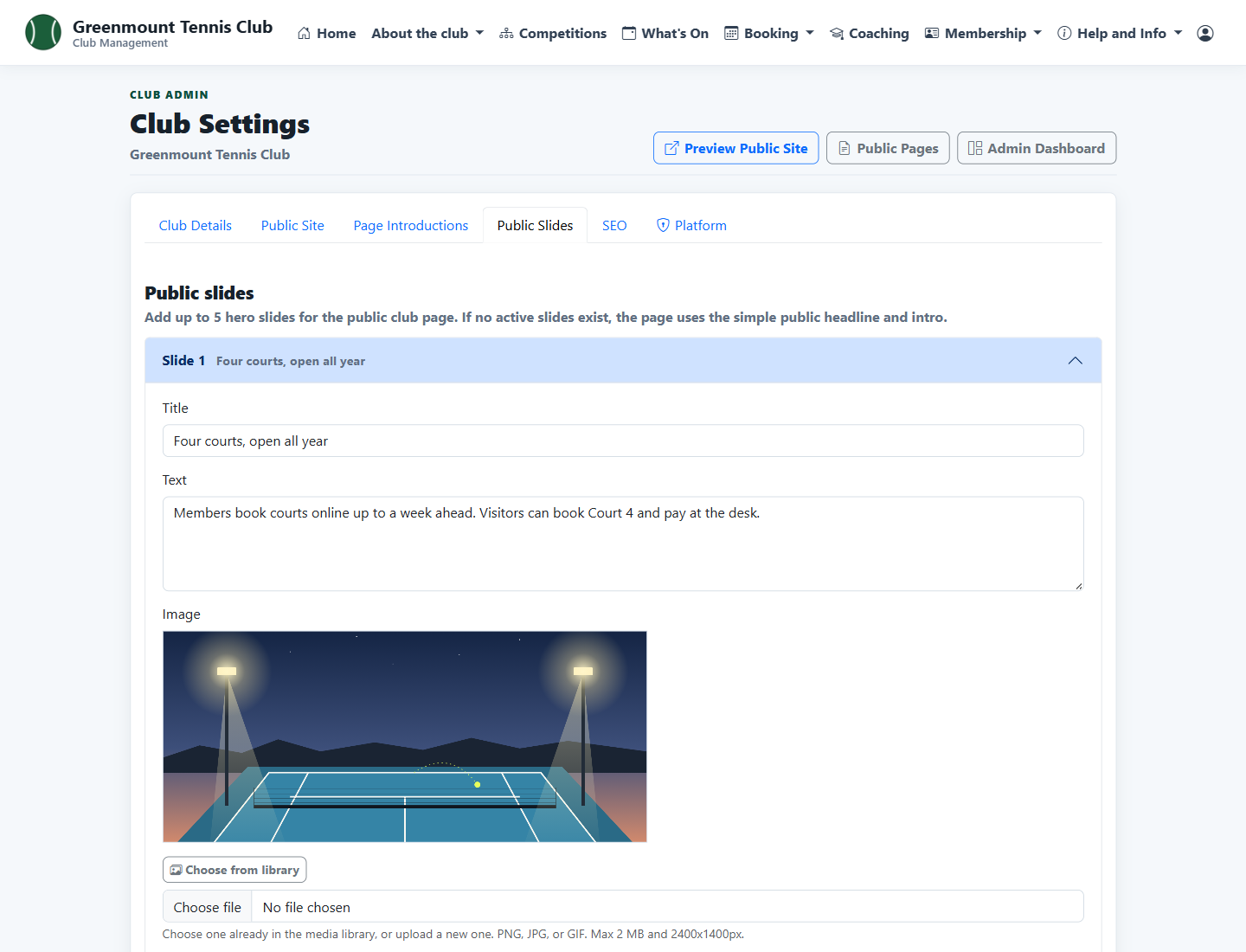
Up to five slides, each with a picture, a heading, a line of text and a button, edited from Club Settings.
Baseliners HQ Demo
Keep the club website, policies and sponsors up to date without a web developer.
The club website is built from the club's settings and pages. The committee edits the words and pictures, and the membership, events, court booking and coaching pages are filled in from the rest of the system.
These screens are from Greenmount Tennis Club, a demonstration club with four courts. Its members are invented.
Up to five slides, each with a picture, a heading, a line of text and a button, edited from Club Settings.
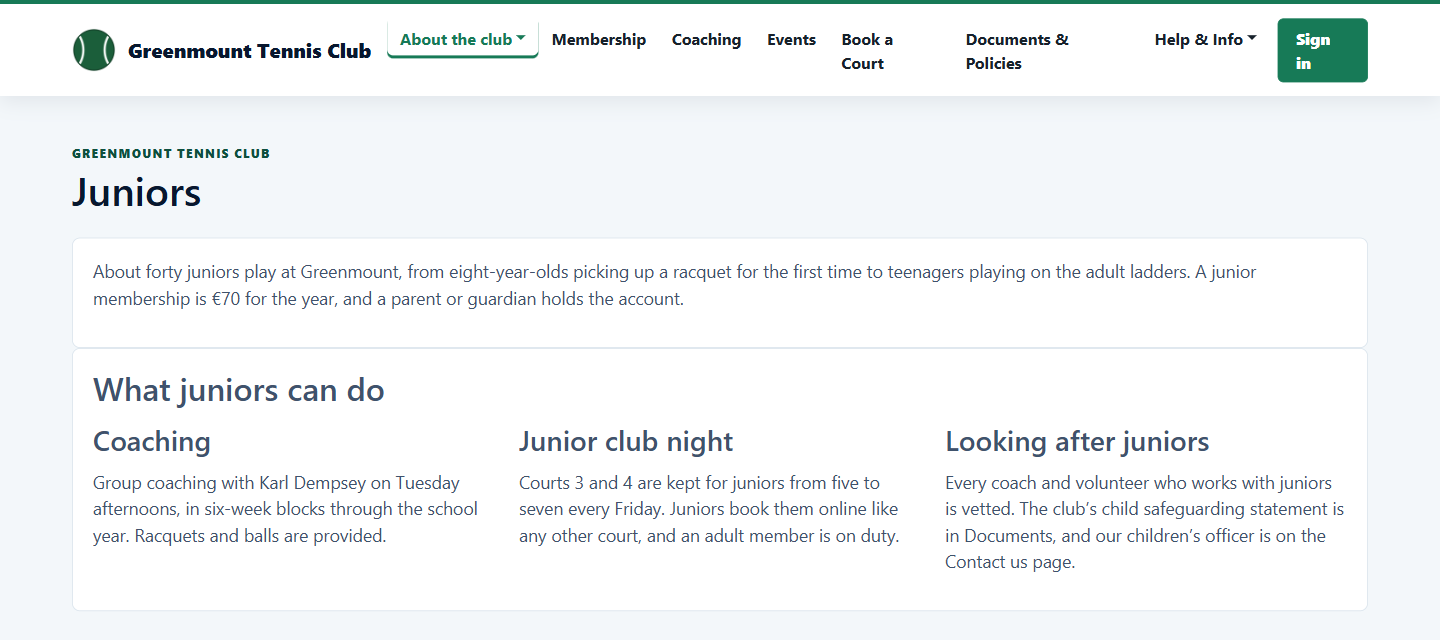
Add pages such as club rules or juniors, group them in a menu and decide whether the public or only members can see them.
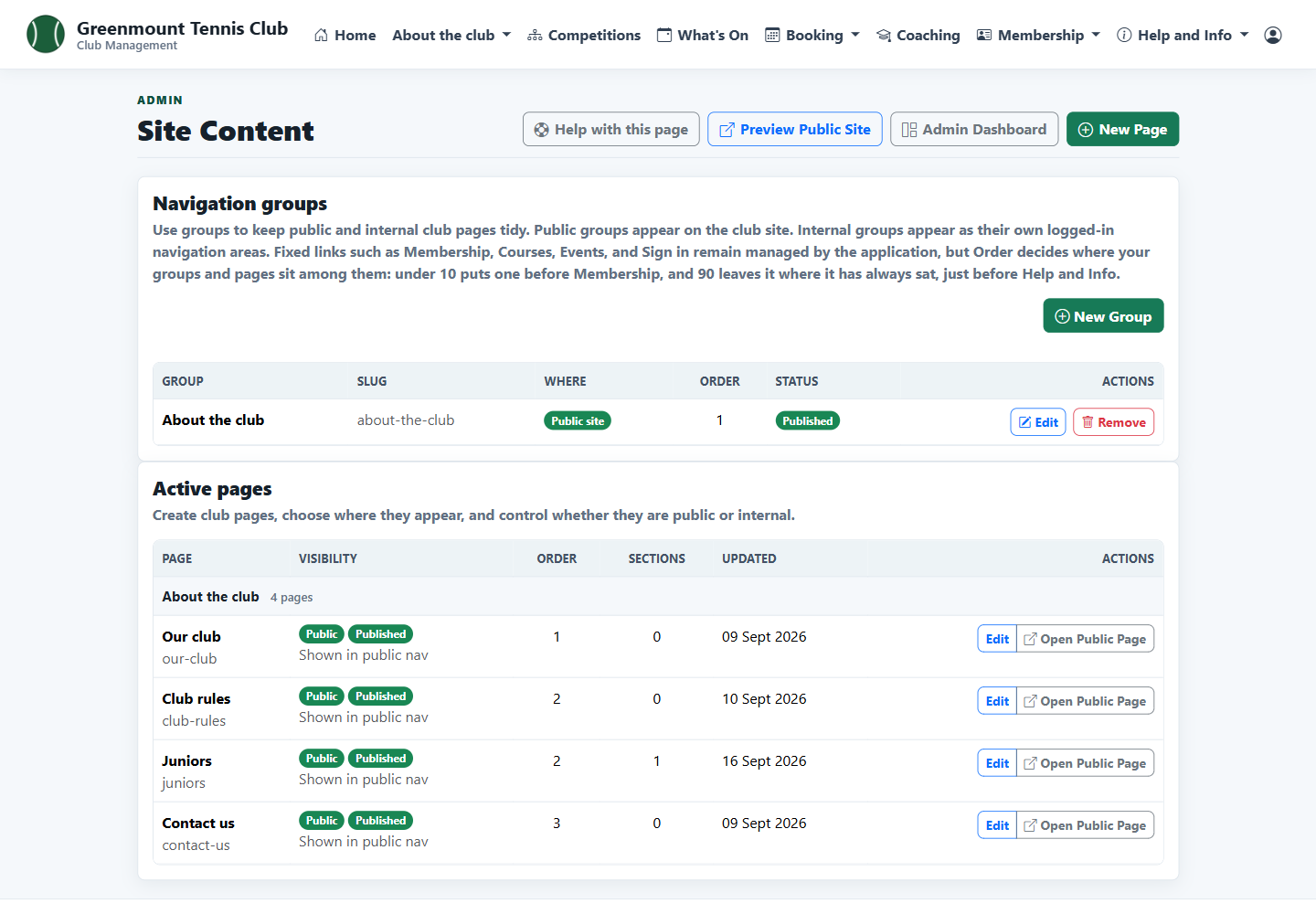
A page can have sections in one, two or three columns, and appears in the club's menu.
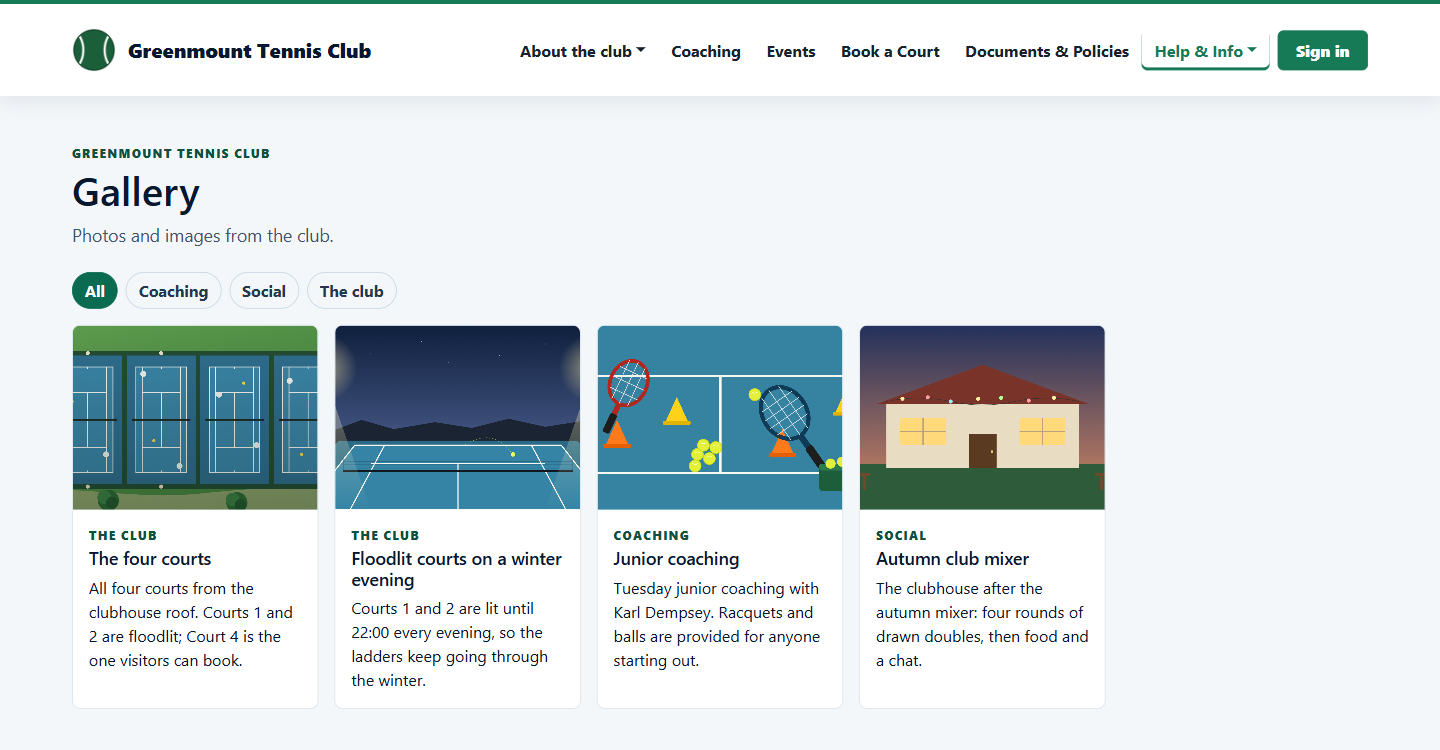
Pictures from the media library can be shown in a public gallery, with captions and categories.
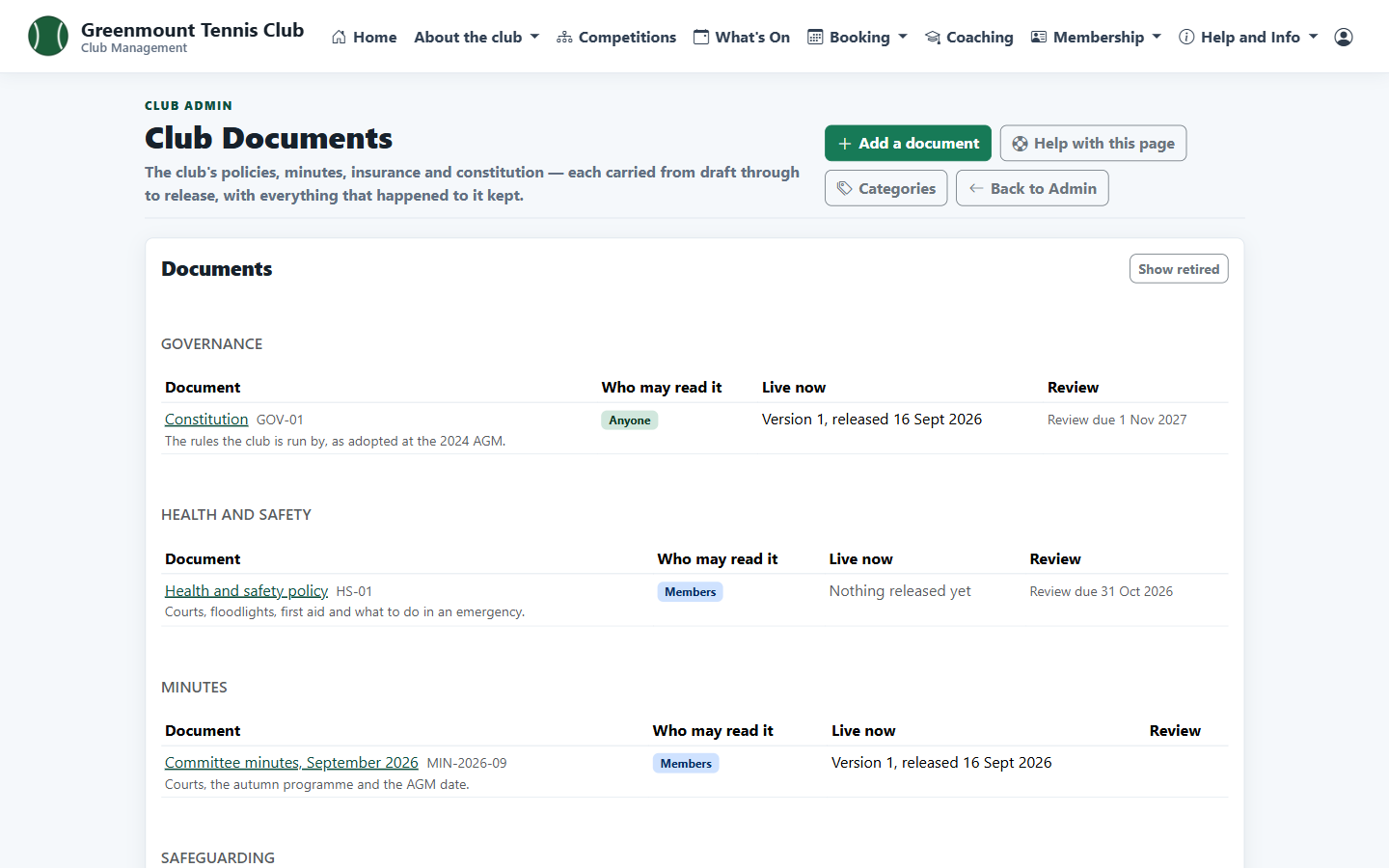
Each document goes from draft to accepted, signed and released, and every version is kept. The club decides whether administrators, members or anyone can read it.
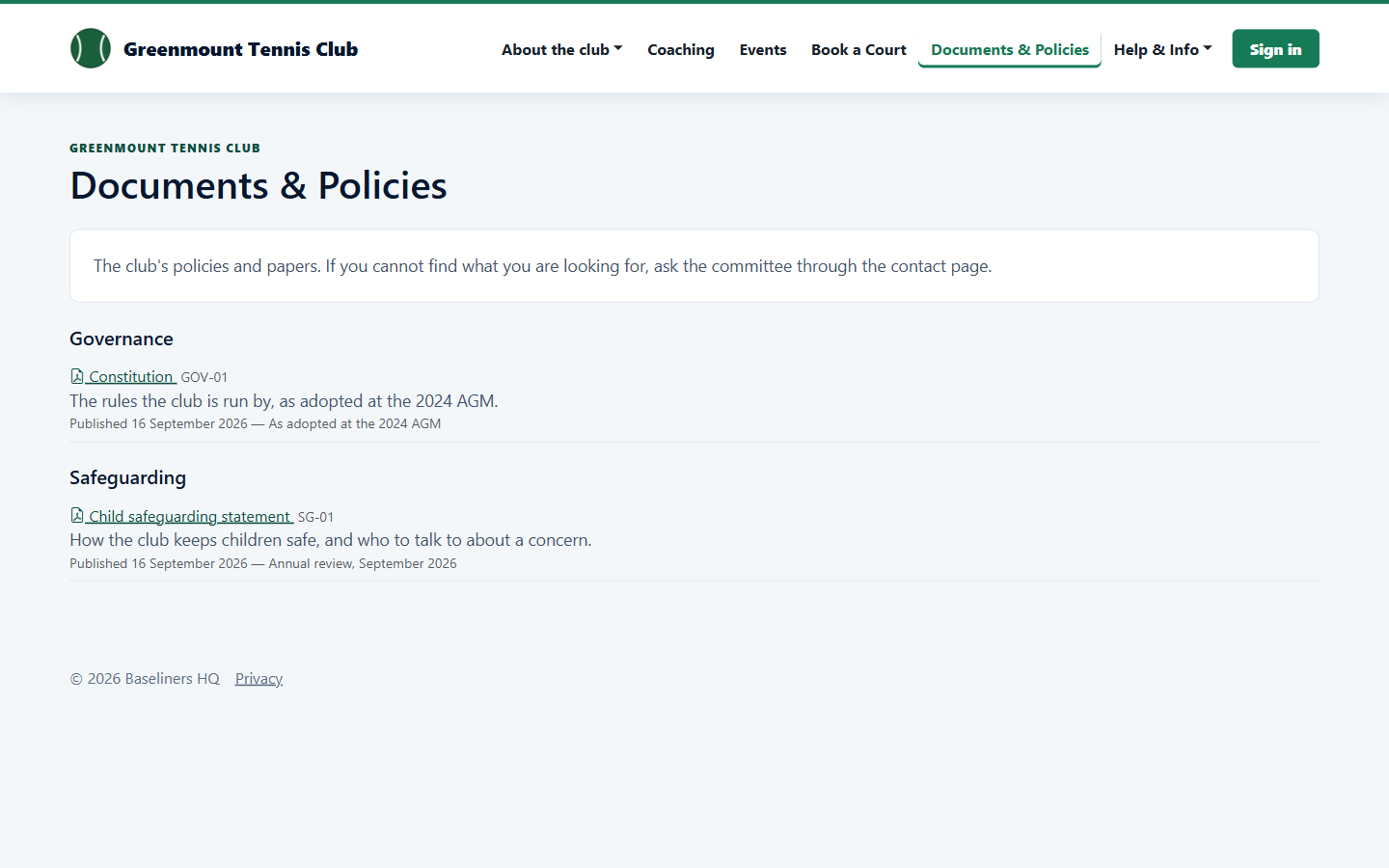
Released documents that anyone may read are listed on the club's website.
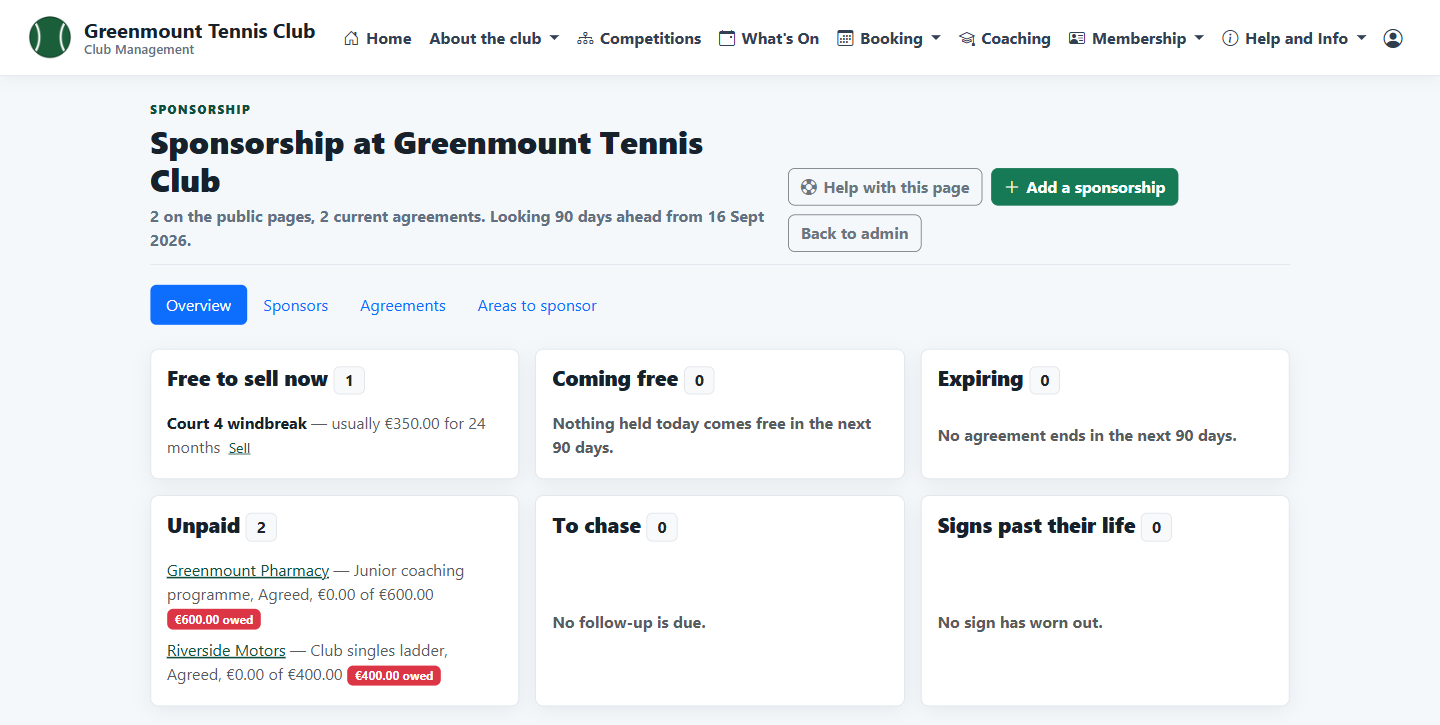
Keep track of what the club has to sell, who sponsors what and until when, and what is still owed. A sponsor with a logo and a current agreement appears on the club's pages.